
“Be the Ice Sculptor” Animation
Concept:
This project comes from School of Motion’s course, titled “Animation Bootcamp.” I was provided with voiceover and a backing track, as well as styleframes by Ordinary Fellow. The ask was to create animations out of those frames. I also created several shots to go between the provided frames, this was done to best represent and interpret the assets.
Jobs:
Motion Design
Editing
SFX
Optimization
Revision
Process:
I started this piece by getting some ideas down on paper. I listened closely to the voiceover—the tone, message, and pacing, and started converting those ideas into motion that would reinforce it all.
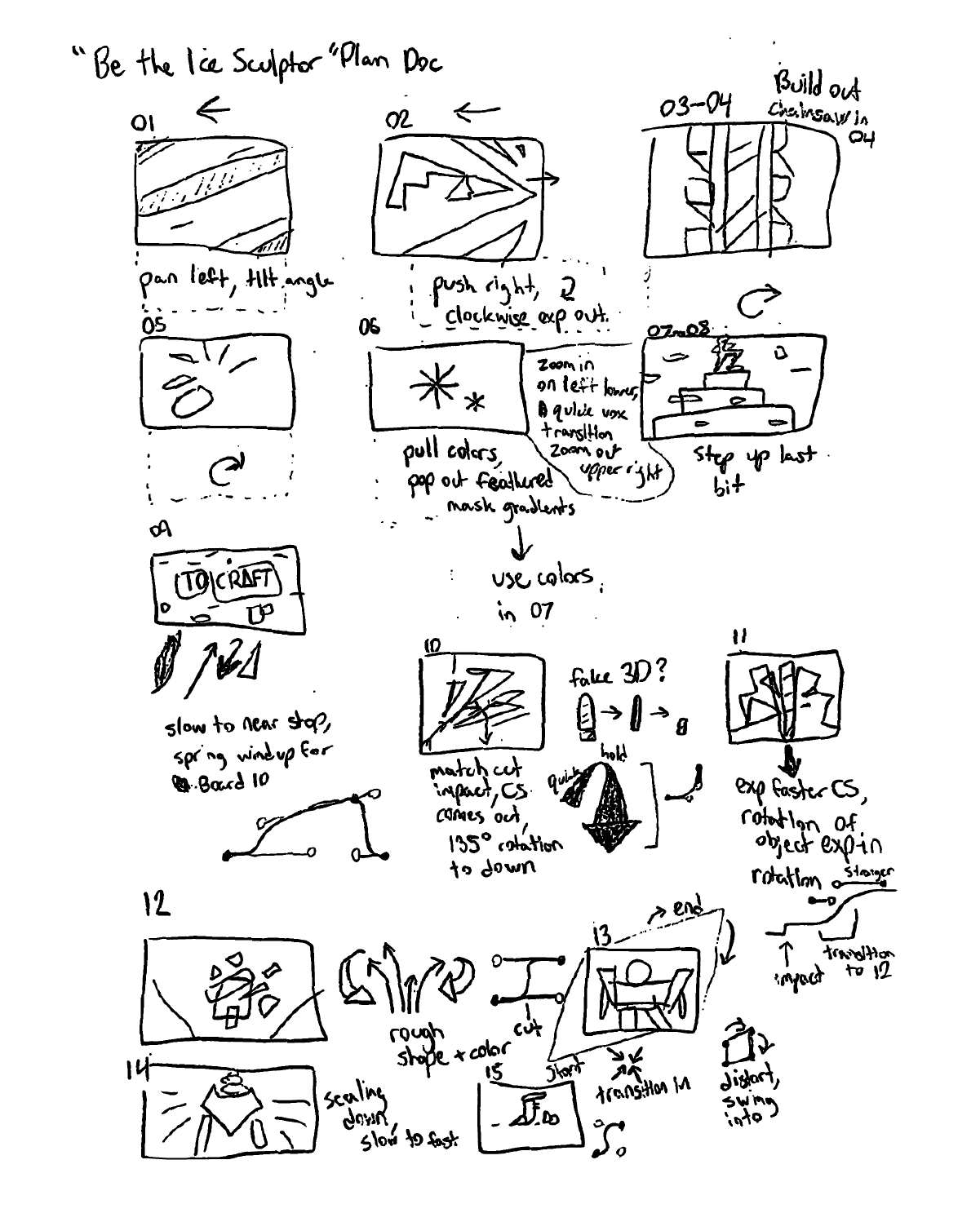
I sketched out the frames provided, looking at the form to brainstorm the transitions.
From here, I went to the styleframes themselves, which were made in Illustrator. I prepped the frames to be imported, separating out layers as needed. An important note—some transitions I was more certain would work than others, so I kept in mind the ones that needed more exploration, and prepared extra to more easily swap out options later on.
All the scenes were put in different precomps for easier editing, so an important early step was to look ahead and see which frames are similar enough that they should be built out in the same precomp instead. This allowed the most involved transitions to be reserved for important changes in scene, which helped with the pacing and removed unnecessary cuts.
I considered quite a few types of transitions, but for the sake of cohesion ended up with the most prominent transitions having some kind of high-contrast reinforced motion, Vox-esque.
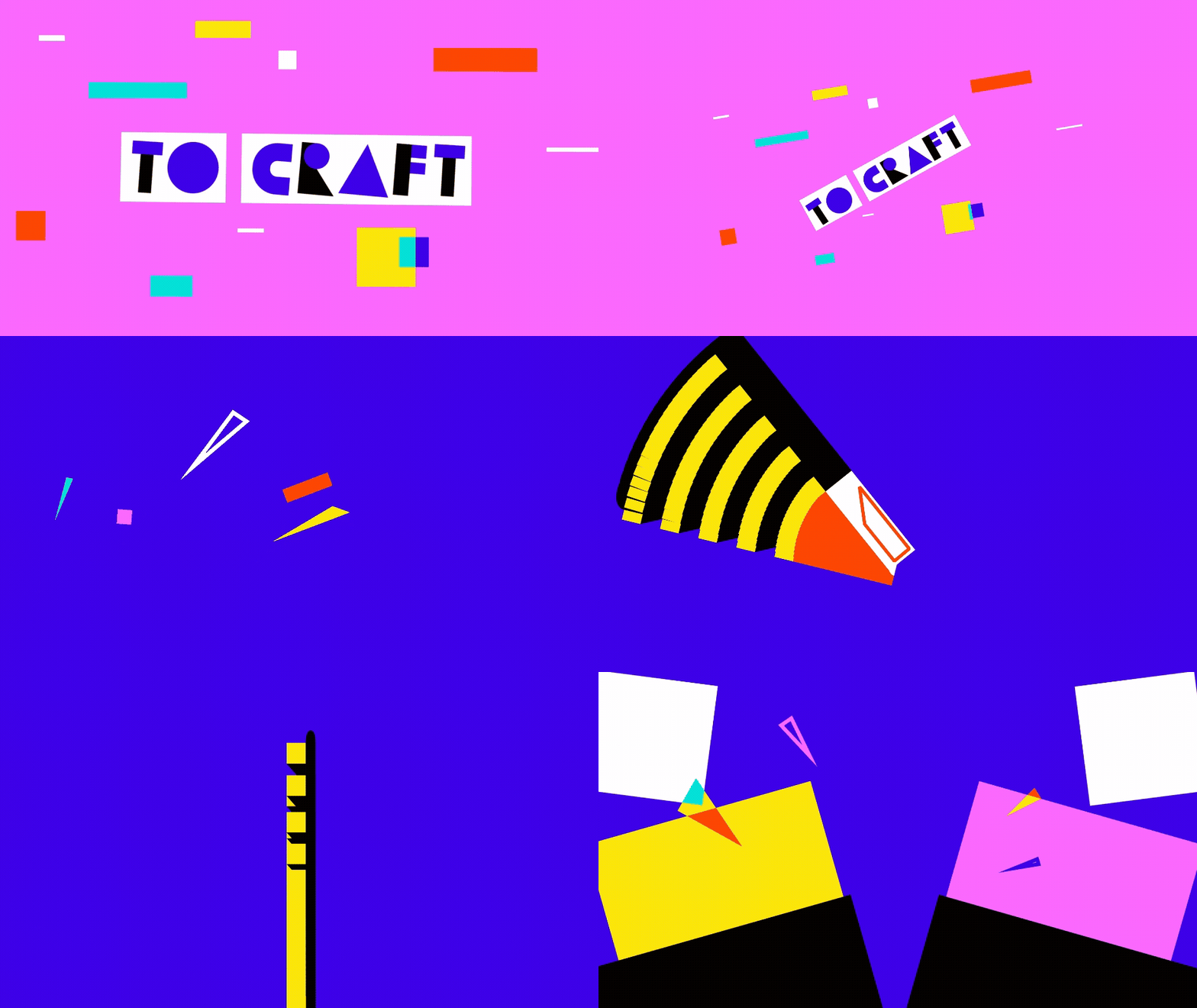
The highest action moments happen during the transitions, using anticipation and reinforced motion to help communicate what is happening while keeping very high contrast in movement.
I closely inspected the frames provided, doing what I could to respect their ideas and see what I could do to reinforce them. An example of this can be seen in the GIF above, where a frame had shapes arranged in the lower left corner in a way that strongly suggested an impact. Following this logic, the text box from the previous scene initiated the hit, sending your eyes there, then a chainsaw takes over from that spot to transition into the implied cutting happening in the scene after.
Quite a few of the transitions had pivots since the ideation stage, mostly due to an imbalance in the amount of movement/energy with the audio and video. These changes were made early in the creation stage, and greatly improved the final result. I am quite proud of this piece, working within the brief and adding creative interpretation to have a final result that feels truly collaborative.
Created using Adobe After Effects, Adobe Illustrator, and Adobe Media Encoder.